


Introduction to Financial Fraud Detection using Excel AI
Excel’s evolving AI capabilities like Analyze Data, Power Query, and smart formulas help allow users build robust fraud detection systems without any expertise in data science. You can identify unusual transaction times or any such suspicious activity automatically through them. They also help in flagging duplicates or missing entries and revealing hidden patterns like repeated. Excel can be used to reduce manual review effort significantly. While machine-learning models still require external tools, Excel’s AI features offer a powerful foundation for improving data integrity and preventing data-handling malpractices.
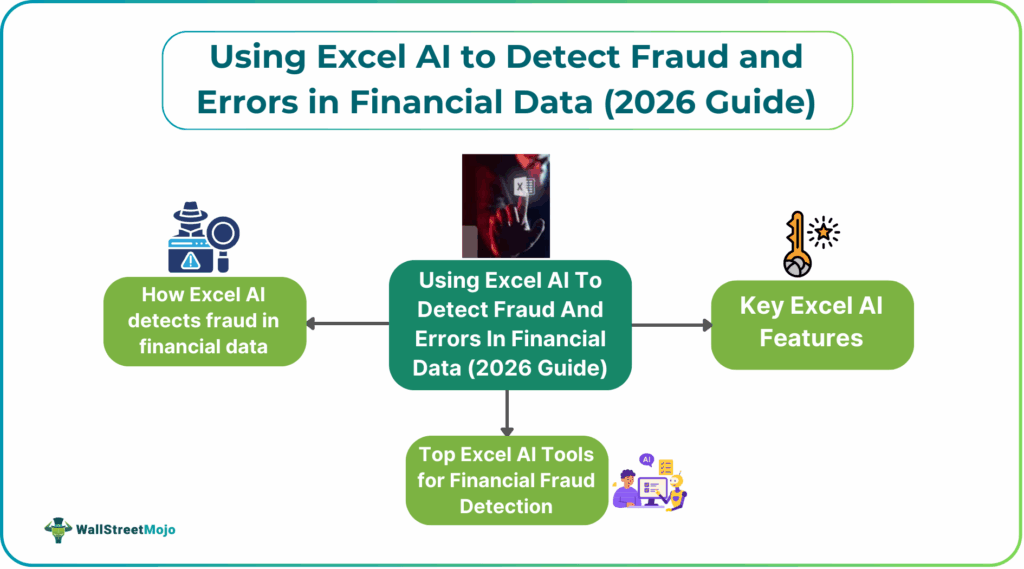
Financial Excel AI fraud detection helps catch unusual money activities before they cause big problems. Using Excel’s AI tools makes it easier to spot patterns that don’t look normal. These tools can quickly scan large sets of data that would take hours to check by hand. By learning how to use simple formulas and AI features, anyone can improve fraud checks. This introduction shows how Excel can turn raw numbers into clear warnings of possible fraud.
Key Excel AI Features for Financial Fraud and Error Detection
Excel offers several AI-powered tools and features that make it easier to detect financial fraud and errors by analyzing large amounts of data quickly and accurately.
- Analyze Data: This feature automatically generates charts and pivot tables, like the sum of expenses by category or transaction counts by day, helping reveal hidden trends or outliers that may indicate fraud.
- Power Query: Power Query cleans, shapes, and merges data from multiple sources, ensuring consistent and accurate information for analysis.
- Formulas & Functions: Functions like SUMIFS, COUNTIFS, VLOOKUP/XLOOKUP, IF, and ISBLANK allow users to flag entries that meet specific criteria.
- PivotTables & Charts: PivotTables and charts help summarize data efficiently, making it easier to spot high-risk areas, such as large payments to new vendors or transactions occurring at unusual hours.
#1 – Anomaly Detection Algorithms in Excel
Excel provides simple yet effective ways to detect anomalies in financial data, helping identify unusual or suspicious transactions. These methods focus on spotting values that deviate from normal patterns and highlight AI financial data error detection.
- Statistical Outliers: Using formulas like Z-Score, Excel can flag values that are far from the norm, such as unusually high expenses or negative quantities.
- Time-Based Analysis: PivotTables on transaction dates and times can reveal spikes or patterns outside normal business hours, helping detect suspicious activities.
#2 – Predictive Risk Scoring Models
Excel can help assign risk scores to transactions, making it easier to prioritize which ones need closer review. These models use past data and defined rules to predict the likelihood of errors or fraud.
- Rule-Based Scoring: Assign points to transactions based on criteria like large amounts, unusual vendors, or late-night activity to calculate a risk score.
- Risk Score: Create a weighted score based on flags.
#3 – Automated Data Validation Rules
- Input Validation: Restrict data entry.
- Use COUNTIFS to highlight rows with identical IDs, transaction numbers, or key combos.
#4 – Pattern Recognition for Suspicious Transactions
Excel can help detect suspicious transactions by recognizing unusual patterns in data. Benford’s Law checks the distribution of first digits in numbers to spot potential manipulation, while Sequences highlight irregular invoice numbers or rapid follow-up transactions.
Top Excel AI Tools for Financial Fraud Detection
Excel AI tools like Microsoft Copilot, MindBridge, and DataSnipper enhance fraud/error detection by automating anomaly spotting, generating insights, and streamlining audits, leveraging features such as Copilot’s data analysis & formula help, MindBridge’s material error identification, and DataSnipper’s audit workflow automation, offering benefits like speed, deeper insights, and improved accuracy, though challenges include data quality, integration, and AI interpretation.
#1 – Microsoft Copilot Anomaly Analysis
Microsoft Copilot Anomaly Analysis in Excel has become one of the most effective AI-powered tools for financial fraud detection. It enables analysts to uncover hidden irregularities in complex datasets without needing advanced data-science skills. Copilot supports both automated anomaly scanning and natural-language exploration, making fraud analysis faster, more intuitive, and more accurate.
Key points include:
- Automatically analyzes large transaction logs to detect unusual values or patterns.
- Flags outliers by comparing current activity with historical behavior, account norms, or vendor trends.
- Identifies spending spikes, duplicate payments, round-dollar anomalies, and unusual timing of transactions.
#2 – MindBridge AI Excel Add-in
The MindBridge AI Excel Add-in brings advanced anomaly detection and risk analytics directly into the familiar Excel environment, making it a strong tool for financial Excel AI fraud detection and audit support. It leverages MindBridge’s AI engine—which blends machine learning, statistical methods, and expert rules—to identify unusual transactions and patterns that may signal fraud, errors, or misstatements.
Key points include:
- Seamlessly integrates MindBridge’s AI risk scoring into Excel, allowing users to analyze data without leaving the spreadsheet.
- Automatically highlights high-risk entries based on patterns such as unusual amounts, timing irregularities, duplicate transactions, or deviations from historical behavior.
- Provides clear risk explanations, helping auditors and finance teams understand why a transaction is considered anomalous.
#3 – DataSnipper Fraud Detection Suite
This enhances Excel AI fraud detection by combining AI-driven document verification and anomaly detection within Excel. It helps auditors and finance teams quickly spot inconsistencies, unusual transactions, and mismatched supporting documents, making fraud reviews faster, more accurate, and easier to document.
Key features:
- AI-based invoice and document matching
- Automatic detection of inconsistencies and high-risk entries
- Workflow automation for vouching, tracing, and sampling
- Clear audit trails and evidence packs generated in Excel
Benefits and challenges in using Excel AI for Financial Fraud Detection
AI in Excel brings powerful fraud-detection capabilities into a familiar environment, allowing finance teams to analyze large datasets without specialized data-science skills. By automating early-stage analysis, fraud detection Excel tools help users quickly spot anomalies, suspicious transactions, and hidden patterns that could indicate fraud. These capabilities improve efficiency, enhance accuracy, and support real-time monitoring—all within the spreadsheet tools organizations already rely on.
Key benefits:
- Automated processing of large financial datasets.
- Real-time Excel anomaly detection finance for suspicious entries.
- Predictive analytics to identify emerging fraud risks.
- Machine learning-based pattern recognition that surpasses manual review.
Key challenges:
- Scalability limitations when working with very large or complex datasets.
- Performance slowdowns due to Excel’s inherent memory and processing constraints.
- Not designed as a full enterprise-level AI platform.
Frequently Asked Questions (FAQs)
Excel AI features primarily detect fraud by identifying anomalies and deviations from established patterns within transaction data. It uses machine learning for pattern recognition and predictive analytics. Instead of relying on predefined rules, the AI can learn from historical data. It can flag unusual activity that do not fit a user’s normal behavior.
While enterprise-level software is often used for large-scale operations, several Excel add-ins can enhance Excel AI fraud detection capabilities within a spreadsheet environment.
• Microsoft Azure Machine Learning Add-in: Allows users to build and integrate complex predictive models within Excel.
• Anomaly Server: A simple tool to quickly identify and quantify anomalies and outliers in datasets using machine learning.
• Copilot Audit: Specifically designed for finance professionals, it automates document processing, data extraction, and validation tasks, helping to streamline audit procedures and find discrepancies.
• Power Query: A built-in feature that helps clean, transform, and profile data to identify patterns, distributions, and anomalies.
Standard Excel has limitations on row counts for a single worksheet. It can its use for extremely large datasets. However, built-in features like Power Query and Power Pivot can import, process, and manage significantly larger volumes of data. For real-time monitoring of billions of transactions, a dedicated fraud analytics platform or programming languages like Python/R that are integrated with big data tools are best.
Recommended Articles
Continue with these related resources when you want the next practical step in this topic.
- How To Use AI With Excel
- How AI Is Transforming Data Analysis In Excel (2026 Complete Guide)
- Excel AI And Machine Learning: Beginner’s Guide For 2026
- The Most Useful AI Features in Excel: Unlock Smarter Spreadsheets in 2026
- Top Skills for AI-Enabled Excel in 2026 (Must-Master List)
Explore the full Excel AI Automation and Analysis guide or browse Excel Resources.