


Why Spreadsheet Review Matters
Spreadsheet errors rarely announce themselves. A copied formula, a broken link, or a missed range can sit quietly until the file reaches a manager, client, or auditor. That is why AI spreadsheet review with Claude matters. It gives analysts a faster way to inspect formulas, spot suspicious values, and review workbook logic before the file is submitted.
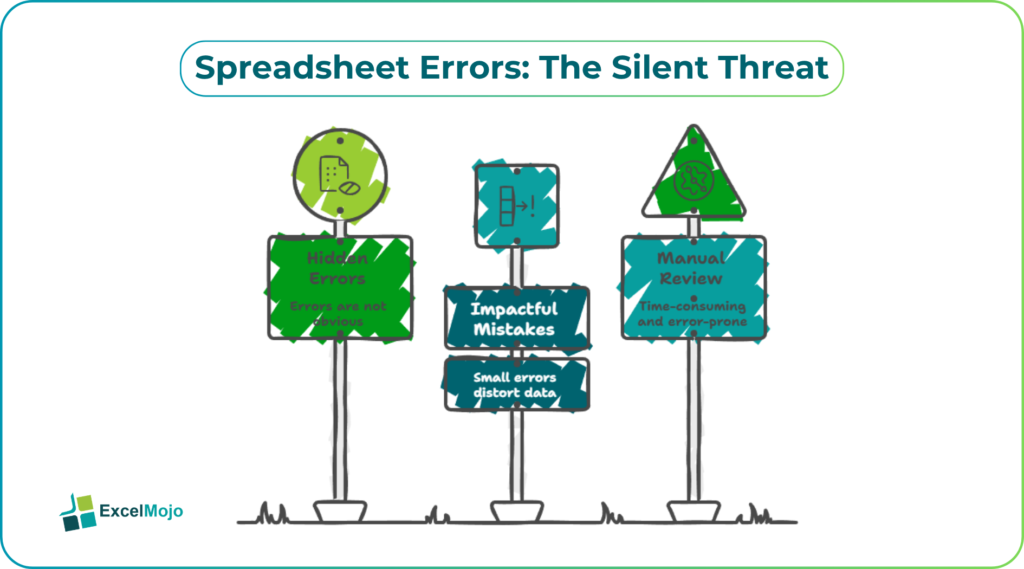
This is especially useful in finance, reporting, and operations work, where a small spreadsheet mistake can distort the whole story. Claude can help reviewers move faster by scanning patterns, questioning inconsistencies, and turning a long workbook into a clearer checklist. It does not replace review discipline, but it does help teams catch more issues before submission. This article explains how to use Claude to review spreadsheets, where it helps most, and how to keep the final output accurate.
How AI spreadsheet review with Claude Works
Claude is useful because it can reason across the workbook rather than focusing on one cell at a time. If formulas change unexpectedly, if a summary total does not match the source data, or if a tab contains blank values in the wrong place, Claude can help point out the problem areas. That makes it a strong first pass for spreadsheet review.
It also helps with workbook explanations. Many errors are easier to catch when the logic is described in plain language. For example, if a revenue model uses several linked tabs, Claude can help explain how the inputs, calculations, and outputs fit together. That makes it easier to identify weak spots before the sheet is submitted. In practice, this is useful for financial models, monthly reporting packs, and any workbook that needs a second set of eyes.
How Claude Improves the Spreadsheet Review Process
AI spreadsheet review with Claude – A strong review process starts with clear instructions. Instead of asking Claude to “check the spreadsheet,” the user should define the workbook purpose, the key tabs, and the types of errors that matter most. That could include formula mismatches, missing data, unusual movements, or broken references.
A practical workflow looks like this:
- Define the review goal.
Say whether the file is for reporting, budgeting, forecasting, or client delivery. - Ask Claude to check formulas.
Focus on copied formulas, summary rows, and any cells that should follow a pattern. - Review for missing or inconsistent data.
Look for blanks, duplicate entries, or values that do not fit the rest of the sheet. - Scan for unusual changes.
Ask Claude to flag spikes, drops, or totals that need explanation. - Confirm in Excel.
Use manual review, control totals, and formula checks before submission.
This workflow works because it combines AI support with human judgment. Claude helps narrow the search, but Excel remains the source of truth.
The Errors Claude Can Catch
Claude is most helpful when the workbook has predictable structure and recurring logic. It can flag formula inconsistencies, missing rows, misplaced values, and suspicious totals. Those are the kinds of issues that often slip through when a file is built under time pressure.
It is also useful for reviewing logic flow. If a sheet has a source tab, a calculation tab, and a summary tab, Claude can help explain whether the sections line up properly. That matters because many spreadsheet errors are not obvious from the final number alone. A workbook can look correct on the surface while hiding a problem in the path that produced the result.
The Best Prompts for AI Spreadsheet Review with Claude
Claude gives better results when the questions are specific. A broad request usually leads to broad feedback, which is less helpful before submission. A better prompt asks for formula inconsistencies, missing values, unexpected changes, or mismatches between source and summary tabs.
A strong prompt might say: “Review this workbook for formula errors, missing data, and unusual values before submission.” That gives Claude a clear review objective. If the workbook is a financial model, the prompt can go further and ask for assumptions, calculation chains, and output checks. The more specific the task, the more useful the review.
Common Review Mistakes
The most common mistake is assuming Claude can validate everything on its own. It can highlight risk areas, but it cannot fully confirm the workbook unless the user provides enough context. Another mistake is asking for a review without describing what the workbook is supposed to do. Without that context, the output may be too general to help.
There is also a risk in trusting polished commentary too quickly. Claude may explain a sheet clearly, but the numbers still need to be checked in Excel. That is why formula auditing, control totals, and manual confirmation still matter. In spreadsheet review, speed is helpful only when it does not reduce accuracy.
Why Analysts Benefit from AI Spreadsheet Review
For analysts, the biggest advantage is time saved on the first review pass. Instead of scanning every tab manually, they can use Claude to focus on the most likely problem areas. That is especially useful in finance and reporting workflows, where deadlines are tight and the same file may be reviewed by several people.
It also improves consistency. When teams use the same review process each time, the chances of missing something important go down. Claude can help create that repeatable process by pointing out where to look first and what to verify next. Over time, that makes spreadsheet submission faster and more reliable.
Validation Still Matters
Claude is a helpful review layer, but it is not the final sign-off. Excel validation still matters because formulas, references, and data ranges need to be checked directly in the workbook. The best workflow uses Claude to catch likely issues early and Excel to confirm the final version.
That is the right balance for reporting teams. Claude reduces the time spent searching, while human review protects the quality of the final file. In finance, that combination is often the difference between a clean submission and a last-minute correction.
Conclusion – AI spreadsheet review with Claude
AI spreadsheet review with Claude helps catch errors before submission by identifying formula inconsistencies, missing data, and unusual patterns faster. It is especially useful in finance, reporting, and analysis work where accuracy matters and time is limited. The key is to use Claude as a first-pass reviewer, not as a replacement for Excel checks.
The best results come from clear prompts, organized workbooks, and a final validation step inside Excel. When used this way, Claude can make spreadsheet review faster, cleaner, and more dependable. For analysts and finance teams, that means fewer surprises and stronger submissions.
Frequently Asked Questions (FAQs)
What does Claude check first in a spreadsheet review?
Claude should first check formula consistency, missing data, and unusual changes in the output. These are usually the highest-risk issues before submission. It should also flag broken links and cells that do not follow the surrounding pattern.
Can Claude replace manual spreadsheet review?
No. Claude can help speed up the first review pass, but it cannot replace manual checks. Excel validation, control totals, and formula tracing are still necessary before submission.
Is Claude useful for financial models?
Yes. It is especially useful for reviewing assumptions, formula logic, and summary outputs in financial models. That makes reviews and handoffs smoother.
Should the review prompt be specific?
Yes. Specific prompts produce better results because Claude can focus on the exact problem areas. A vague request usually leads to broad and less useful feedback.