


Claude Improves Google Sheets Productivity in Real Workflows
Spreadsheet users lose a surprising amount of time on repetitive work. They clean rows, rewrite formulas, fix formatting, and rebuild the same summaries every week or month. That is where Claude improves Google Sheets productivity in a practical way. It helps users move from a rough task description to a more structured output, which reduces the time spent on setup and correction.
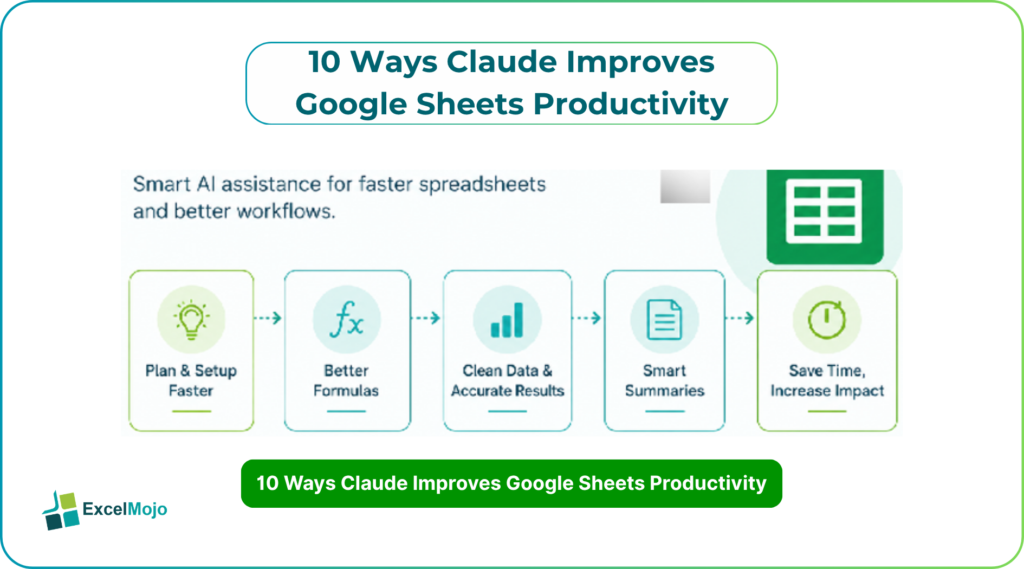
The main benefit is not that Claude replaces Google Sheets skill. It is that it shortens the path from idea to usable workbook. Claude can help with formula logic, layout planning, summary drafting, and repetitive workflow decisions that slow down analysts and finance teams. For people who spend much of their day inside spreadsheets, even a small reduction in repeated work creates real time savings. This article explains ten practical ways Claude improves Google Sheets productivity and how teams can use it without losing control of the final result.
Faster Sheet Planning and Setup
One of the biggest productivity gains comes before the sheet is even built. Claude can help users plan the structure of a workbook, decide which columns belong in the table, and suggest a logical layout for tracking or reporting. That matters because many spreadsheet problems begin with weak structure rather than weak formulas.
For example, if a finance analyst needs a monthly expense tracker, Claude can suggest columns for date, vendor, category, amount, approval status, and summary fields. That saves time during setup and reduces the chance of having to rebuild the sheet later. In practice, better planning means fewer corrections and faster handoff to teammates.
Better Formula Drafting
Claude is also useful when users know the result they want but not the exact formula. It can draft conditional formulas, lookup logic, summary calculations, and other common spreadsheet patterns. That helps users move quickly when they are working under time pressure.
A good example is a reporting sheet that needs a conditional total by department or region. Instead of searching through syntax manually, the user can ask Claude for a formula draft and then test it in Google Sheets. This is especially helpful in finance and operations work, where the same formula logic repeats across many rows and tabs. Faster formula drafting means more time for review and less time spent on syntax.
Cleaner Data Cleanup
Messy data slows down every spreadsheet workflow. Claude can help identify inconsistent labels, duplicate formats, missing values, and other common cleanup issues before they spread through a workbook. That makes it easier to standardize input data and reduce manual cleanup time.
This is useful in real business files where data comes from multiple sources. For example, region names may be written differently across tabs, or dates may appear in mixed formats. Claude can help suggest a cleaner structure, which allows the user to focus on analysis instead of correction. In a busy reporting cycle, that saves more time than many users expect.
Faster Reporting Templates
Recurring reports are another area where Claude improves productivity. Many teams rebuild the same type of sheet every week or month for budgets, KPIs, reconciliations, or variance reviews. Claude can help create the first version of those templates faster by suggesting the right layout and summary logic.
That matters because reporting work is often repetitive. If the same structure is reused every month, Claude can help reduce the time needed to recreate it. A finance team can ask for a template that includes actuals, budget, variance, and commentary fields, then refine it inside Google Sheets. The result is a cleaner starting point and less manual setup.
Better Data Summaries
Claude is also useful when a sheet needs to be turned into a simple summary. Users often have data but still need to understand what it means. Claude can help draft short summaries, highlight key changes, and explain patterns in plain language.
This is especially valuable in finance and business reporting. A sheet may show revenue by month, but a manager still needs a short explanation of what changed and why. Claude can help turn the spreadsheet output into a readable narrative. That means less time writing from scratch and more time checking whether the summary matches the numbers.
More Consistent Excel Workflows
Productivity improves when the same task is done the same way every time. Claude helps teams standardize spreadsheet workflows by giving them a repeatable way to plan, build, and review sheets. That consistency is important when multiple people touch the same file or when reports have to follow the same structure every cycle.
For analysts, this can reduce confusion and rework. If one person builds a sheet differently from another, the team spends more time fixing format differences and logic gaps. Claude can help create a common starting point, which makes collaboration easier and review faster. Over time, that consistency becomes a real productivity advantage.
Better Prompting Habits
Claude also improves Google Sheets productivity by helping users become more precise with their instructions. A vague prompt usually creates a vague result. A clear prompt gives the model enough context to produce something useful. That means users spend less time rewriting outputs and more time applying them.
A good prompt should explain the task, the available columns, the required output, and any constraints. For example, instead of saying “help with this sheet,” a better prompt would explain the reporting goal, the formula needs, and the desired structure. That small change often produces a much stronger result. In practice, better prompting leads to faster sheet building and less back-and-forth.
Easier Review and Validation
Claude can also help during the review stage. It can point out likely weak spots in a spreadsheet, such as inconsistent formulas, missing values, or unusual movements. That makes it easier for the user to focus on the parts of the sheet that need attention.
This matters because spreadsheet errors often hide in plain sight. A workbook may look fine until a formula changes in one row or a summary does not match the source data. Claude can help organize the review process so the user checks the highest-risk areas first. That keeps productivity high without reducing quality.
Better Reuse of Repetitive Tasks
Claude is especially helpful when users want to reuse spreadsheet logic. Many finance and analytics tasks follow the same pattern each month. Instead of recreating the whole process manually, users can ask Claude to help structure the repeated steps and write cleaner instructions for the workbook.
That is useful for recurring trackers, monthly dashboards, and reporting templates. Once the workflow is stable, teams can repeat it with less effort and fewer mistakes. Reuse is one of the most underrated productivity gains in spreadsheets because it reduces both setup time and mental load. Claude helps make that reuse easier by giving users a clear starting point.
Why This Matters for Analysts
For analysts, the value of Claude is not just that it saves minutes. It helps reduce the number of small tasks that break concentration. When a spreadsheet workflow becomes smoother, the user can spend more time on interpretation, decision support, and quality checks.
That matters in finance, operations, and reporting, where spreadsheets are part of the daily workflow. The more time saved on setup, cleanup, and drafting, the more time remains for the work that actually adds value. Claude does not remove the need for spreadsheet skill, but it does make that skill more productive. In that sense, it acts like a multiplier for people who already work well in Google Sheets.
Conclusion
Claude improves Google Sheets productivity by reducing repetitive work, speeding up setup, and helping users think more clearly about structure and formulas. It is most useful when the task repeats, the data needs cleanup, or the spreadsheet must be turned into a clear report. For finance and analytics teams, that can mean faster output with less manual effort.
The best results come when Claude is used as a drafting and planning partner rather than a replacement for review. It helps users move from prompt to output more quickly, but the final sheet still needs validation inside Google Sheets. Used well, it creates a faster and cleaner workflow that supports better spreadsheet work every day.
Frequently Asked Questions (FAQs)
How does Claude improve Google Sheets productivity?
Claude improves productivity by helping users plan sheets, draft formulas, clean data, and create summaries faster. It reduces the time spent on repetitive spreadsheet work and gives users a better starting point.
Is Claude useful for finance spreadsheets?
Yes. It is useful for budget trackers, KPI dashboards, variance sheets, and recurring reports. Those tasks often repeat, which makes Claude’s workflow support especially helpful.
Can Claude replace manual spreadsheet work?
Not fully. It can speed up many tasks, but the final sheet still needs human review and validation. It works best as a helper, not a full replacement.
What kind of prompts work best with Claude in Google Sheets?
The best prompts are specific and structured. They should explain the task, the data columns, the output format, and any formula or reporting constraints.