


Introduction
Excel is the go-to tool for any kind of work dealing with vast amounts of data. It is very useful for anything ranging from analysis to complex financial models. IN recent times, the new generation of AI tools for Excel data analysis has turned spreadsheets into a powerhouse of analysis. In this article, we list the ten AI tools and add-ins that accelerate all tasks that are tedious to perform in Excel manually. We share their key features and as note on who each tool is best for.
Top 10 AI Tools
#1 – Microsoft 365 Copilot (Copilot in Excel)
Copilot is Microsoft’s AI assistant present across Microsoft 365 apps. It is used in Excel to build formulas, summarize sheets, create models, and generate charts from natural language prompts.

Key Features
- Natural-language prompts to build formulas and summary tables.
- Can import and transform external data and suggest visualizations.
Best For
Organizations already on Microsoft 365 that want an in-product AI assistant . Such AI tools for Excel data analysis are helpful especially for enterprises with existing 365 security and compliance requirements.
Pricing
The pricing begins as low as $30.
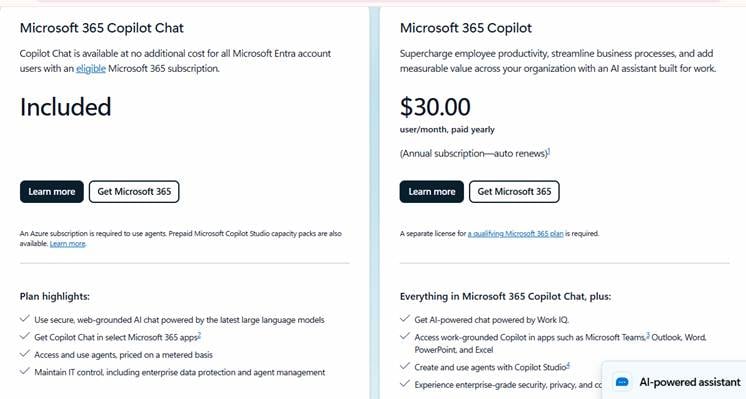
Check your Microsoft admin portal for current pricing.
#2 – Analyze Data (Excel’s built-in natural-language analysis)
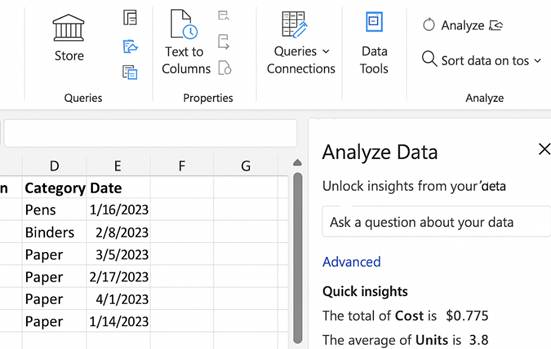
This is Excel’s built-in pane for automatic summaries, charts and natural language Q&A about the data currently selected in your workbook.
Key Features
- One-click visual summaries, pivot-table suggestions and charts.
- Type questions in plain English and get table/chart outputs you can insert.
Best For
Everyday Excel users who want fast insights without writing formulas, those who need quick visualizations or summaries from messy sheets.
Pricing
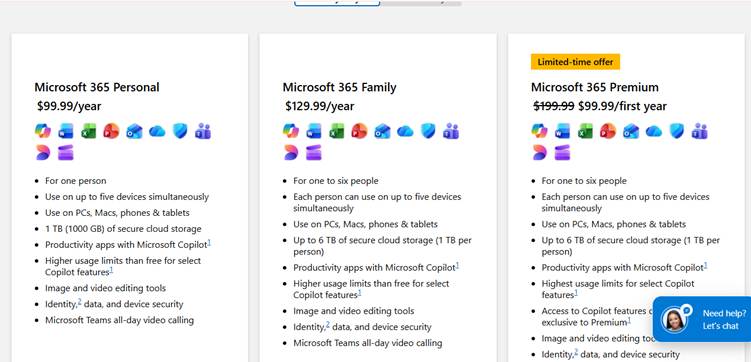
It is included with most Microsoft 365 subscriptions that include Excel.
#3 – ChatGPT
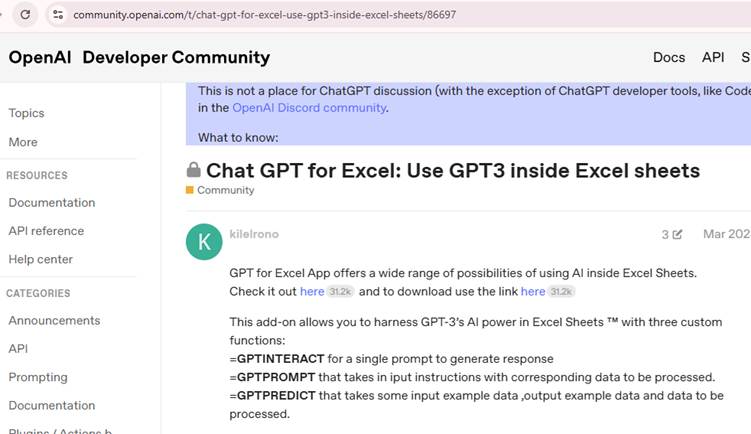
OpenAI’s ChatGPT can accept Excel files, run summaries and generate pivot-style analyses. It is also used to build charts and produce code like VBA to manipulate your spreadsheet data.
Key Features
- You can upload .xlsx/.csv and ask the model to summarize, clean, or model the data.
- Generate reproducible code (Python, pandas, even VBA) and step-by-step analysis.
- Good for exploratory analysis and data storytelling outside the Excel UI.
Best For
Such AI tools for Excel data analysis can be used by data practitioners for ad-hoc analyses, ETL tasks and generating reproducible scripts.
Pricing
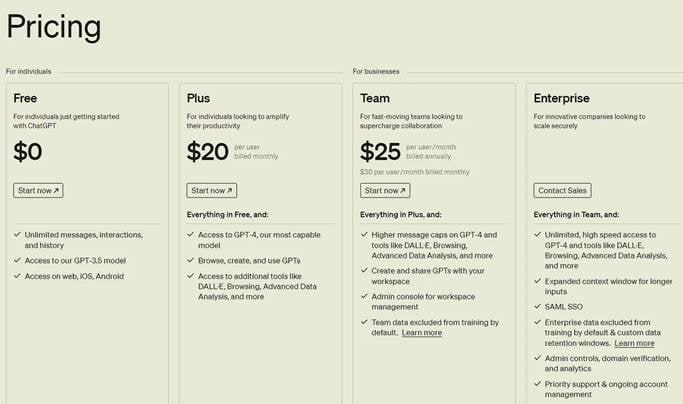
OpenAI offers tiered access like free and paid tiers for ChatGPT, and different rates for API/Advanced features.
#4 – ThoughtSpot for Excel
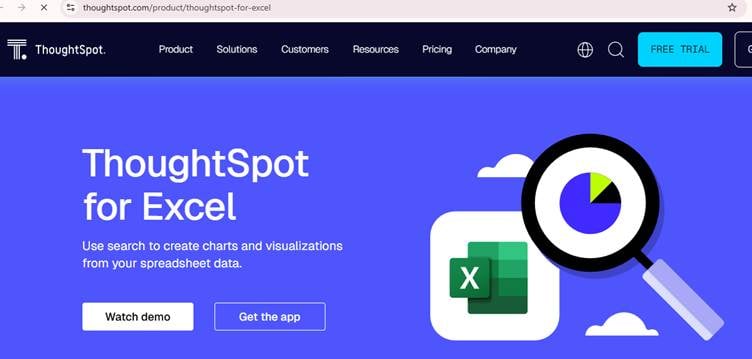
ThoughtSpot brings search-driven analytics to Excel. You can ask questions in natural language and auto-generate charts. Its AI-driven search capabilities help obtain insights faster and easily. It allows for advanced Excel analytics using natural language.
Key Features
- Natural-language search that creates charts/tables from your spreadsheet.
- AI-generated insights and short narratives using data for visuals.
- Free plugin option and easy sync with external data sources.
Best For
Business users and data storytellers who want quick, explainable narratives from Excel charts.
Pricing
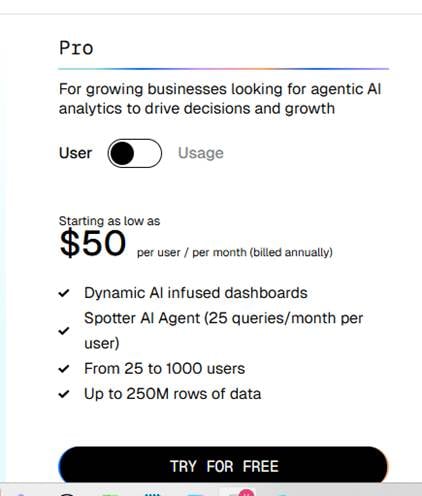
ThoughtSpot offers both free Excel plugin functionality and enterprise licensing for broader features.
#5 – Excelmatic
Excelmatic is a useful tool for those who need productivity without having to learn every available Excel formula. It is an AI data analysis software and also one of the machine learning tools for Excel used to analyze data using natural language. Simple queries written in natural language are enough to produce complex reports and data analysis.
Key Features:
- It has Natural Language Processing for easy querying.
- Quick data visualizations and automatic generation of reports.
- It is one of the Excel automation tools used for data cleaning.
Best For:
Those who can’t memorize complex formulas and perform tasks manually and wish to perform advanced Excel tasks with AI.
Pricing

You have a free trial, and prices vary up to $29.9 for the professional version.
#6 – xlwings (Python in Excel)
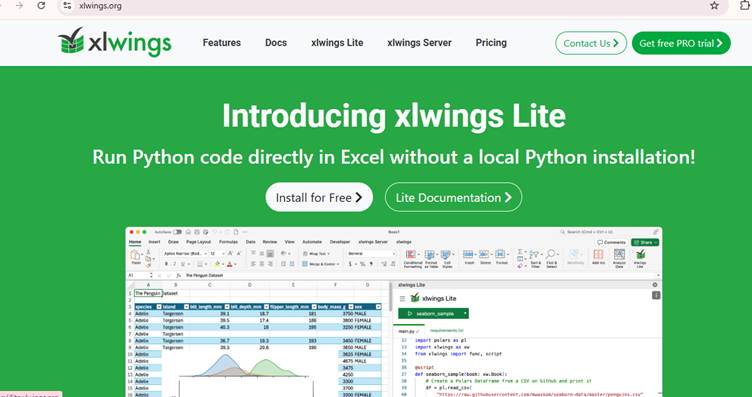
It is a Python library and Excel add-in that lets you call Python code from Excel. It is the bridge to use Python-based AI/ML libraries with your spreadsheets.
Key Features
- It is used to call Python functions from Excel cells or macros.
- Build UDFs and full automation with Python’s ecosystem.
- It leverages local Python environments for privacy.
Best For
It is great for advanced Excel users and data scientists who want to run real ML models while keeping Excel as the front end.
Pricing
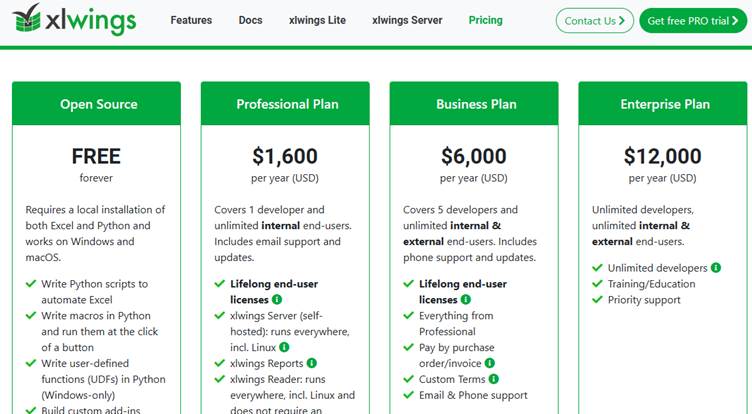
xlwings is open source (free) with optional commercial offerings (xlwings PRO / Enterprise.
7 – DataRobot
DataRobot is an enterprise AI platform with connectors to Excel via integrations and workflow tools. It is used for automated model building and deployment giving results back in Excel.
Key Features
- It has automated feature engineering, model selection and explainability.
- There are connectors that push predictions and datasets into Excel or Power BI.
- Used for enterprise governance and model monitoring.
Best For
Enterprises that need production-grade predictive models and want to get automated outputs in Excel workflows.
Pricing

DataRobot uses enterprise licensing models; you can contact them from their website for pricing options.
#8 – Power BI
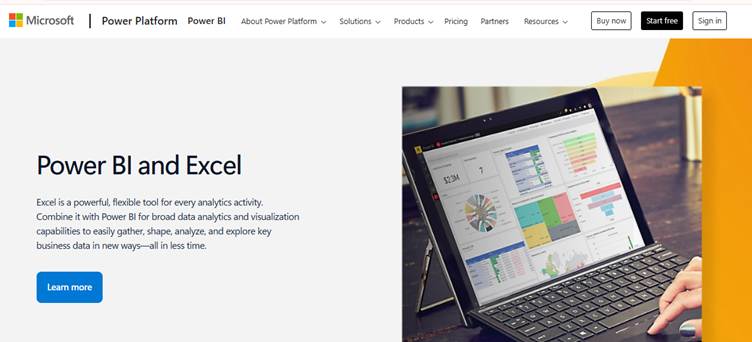
Power BI and Excel are tightly integrated. You can analyze Power BI datasets in Excel and use its AI visuals and insights alongside Excel workflows.
Key Features
- You can export Power BI datasets in Excel workbooks and use Power BI visuals.
- It is good for governed dashboards and refreshable reporting.
Best For
Teams that need enterprise reporting and refreshable BI datasets combined with Excel’s flexibility for deep dives and ad-hoc modeling.
Pricing
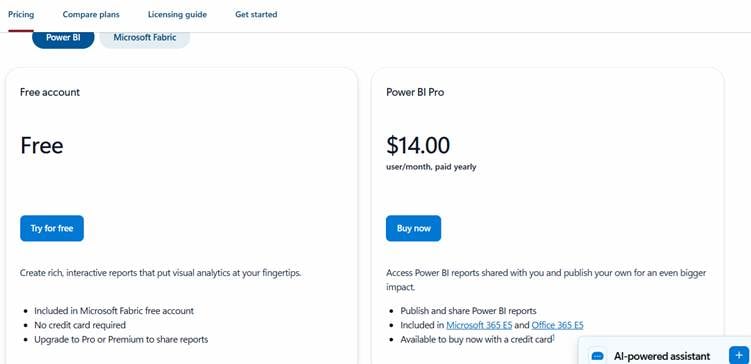
Power BI has Free, Pro and Premium and Embedded tiers;
#9 – PromptLoop
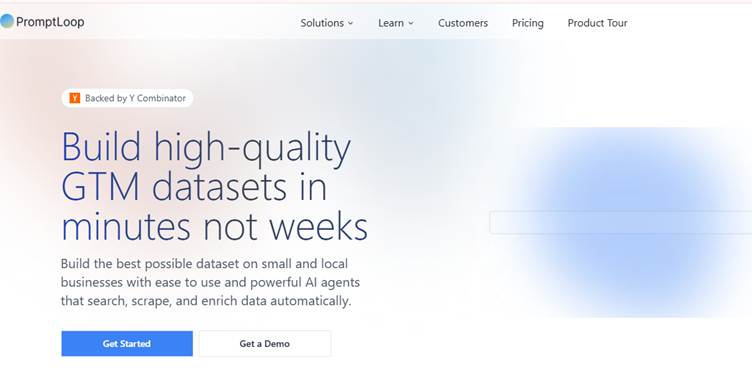
It is one of the AI tools for Excel data analysis used to simplify working with Excel spreadsheets. It leverages the power of language models to understand complex commands and generate accurate results. It is an Excel plugin used to run AI models directly within their spreadsheets to manage data with ease.
Key Features
- Build your own tasks via a simple task editor.
- Native support for Excel and Google Sheets via an add-in
- Use “Autoloop” to run your tasks across large datasets
Best For
Used to enrich lead lists, conduct market analysis, and extract signals at scale.
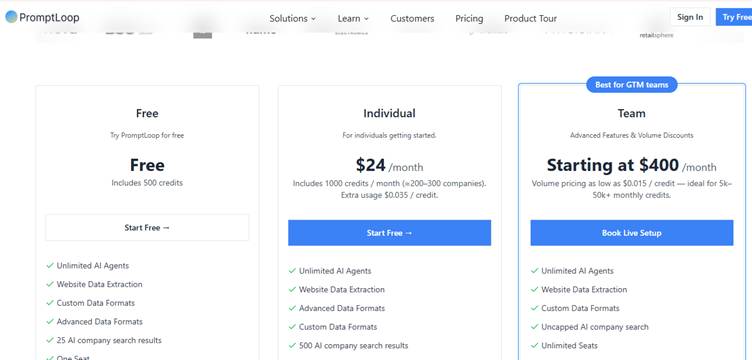
Pricing
#10 – Zoho Analytics: AI-Powered Reporting
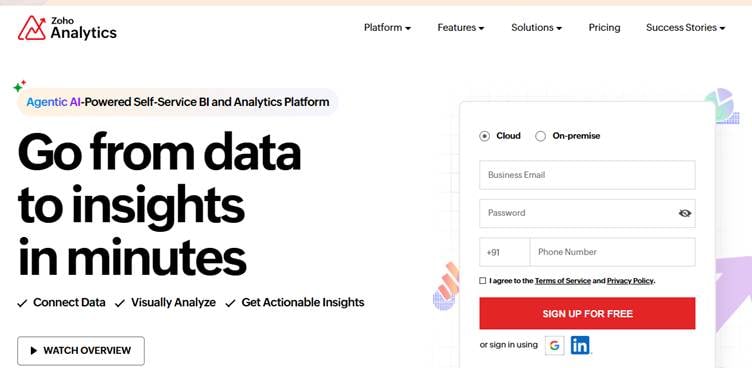
Zoho Analytics is a tool that helps you create clear reports and dashboards. Its AI features can find trends in your data and give helpful suggestions. It also works smoothly with Excel, so you can build reports and track important numbers easily.
Key Features:
- AI tools that analyze data and create reports.
- Easy drag-and-drop dashboard builder.
- Options for teams to share and work together on reports.
Best For:
Small and medium-sized businesses that want a simple but powerful tool for reporting and getting insights.
Pricing

Conclusion
AI tools for Excel have expanded what analysts, business users, and teams can accomplish within the spreadsheet. Each of the tools listed above solves a different problem. They can be used from formula generation to predictive analysis. The one you choose depends on your workflow, data complexity, and skill level. For this, first identify the tasks that take the most time, then choose one that fits your organization’s needs. With the right AI companion, Excel becomes faster, smarter, and more efficient.’
Frequently Asked Questions (FAQs)
AI tools can automate many repetitive tasks in Excel. These include cleaning data, generating complex formulas, and creating reports. This makes your tasks much faster and easier.
Some of the AI tools for Excel are free or have free tiers like Analyze Data, which is built into Microsoft 365 for users. But many others like Microsoft Copilot, DataRobot, or other enterprise-grade add-ins require paid subscriptions.
You can add all the above AI tools to Excel by downloading them from their respective sites or installing them as add-ins directly within Excel.
Recommended Articles
Continue with these related resources when you want the next practical step in this topic.
- Excel Copilot: What It Is and How to Get Started In 2026
- The Best Excel AI Plugins You Should Try This Year
- Excel Copilot vs. ChatGPT: What’s Better for Your Spreadsheets?
- How to Integrate Gemini AI Directly in Excel Workbooks
- How To Get Job‑Ready with An AI‑Excel Certification (ChatGPT + Excel)
Explore the full Excel AI Tools and Copilot guide or browse Excel Resources.